Separate a product from a meal
Say whether the price includes sides or a drink. A short phrase such as “with fries” helps customers compare the choices.

Build a menu board for burgers, wraps or a compact street-food selection. Change the sample products and prices, then see how your offer looks on screen.
Edit this template↓Edit an item to see your changes. All content is an example. You can replace example photos with your own images in the editor after signing up.
Continue with this exact design. After signing in, it opens in the editor so you can finish it, save it and add it to your screen.
Start free with my display ↗1 month free · up to 2 screens · no credit card
When you continue, your design stays in this browser for up to 24 hours for the handover. Expired drafts are removed on your next visit. It is only added to your account when you save it in the editor.
The takeaway design pairs a large product photo with four offer rows. Use it to separate individual products from meal deals. The public demo uses a burger image; after signing up, select a photo of your own food in the editor.
Say whether the price includes sides or a drink. A short phrase such as “with fries” helps customers compare the choices.

Preview the board on the actual screen from the ordering distance. Use several slides for a larger menu rather than squeezing in every detail.
Choose your own product photo in the editor after signing up. Check the crop and make sure the offer matches the image.
Yes. Product names, prices, headings and colours are editable. Replace the sample photo in the editor after signing up.
No. It displays the menu details you enter manually and does not accept orders or update from a point-of-sale system.
The draft stays in this browser for the handover. After signing in, it opens in the editor. Save it, pair a screen and assign the content to a playlist to display it.

Welcome guests and share useful information
Try this example ↗A price list for cuts, beards and styling
Try this example ↗Share updates and the day's schedule
Try this example ↗
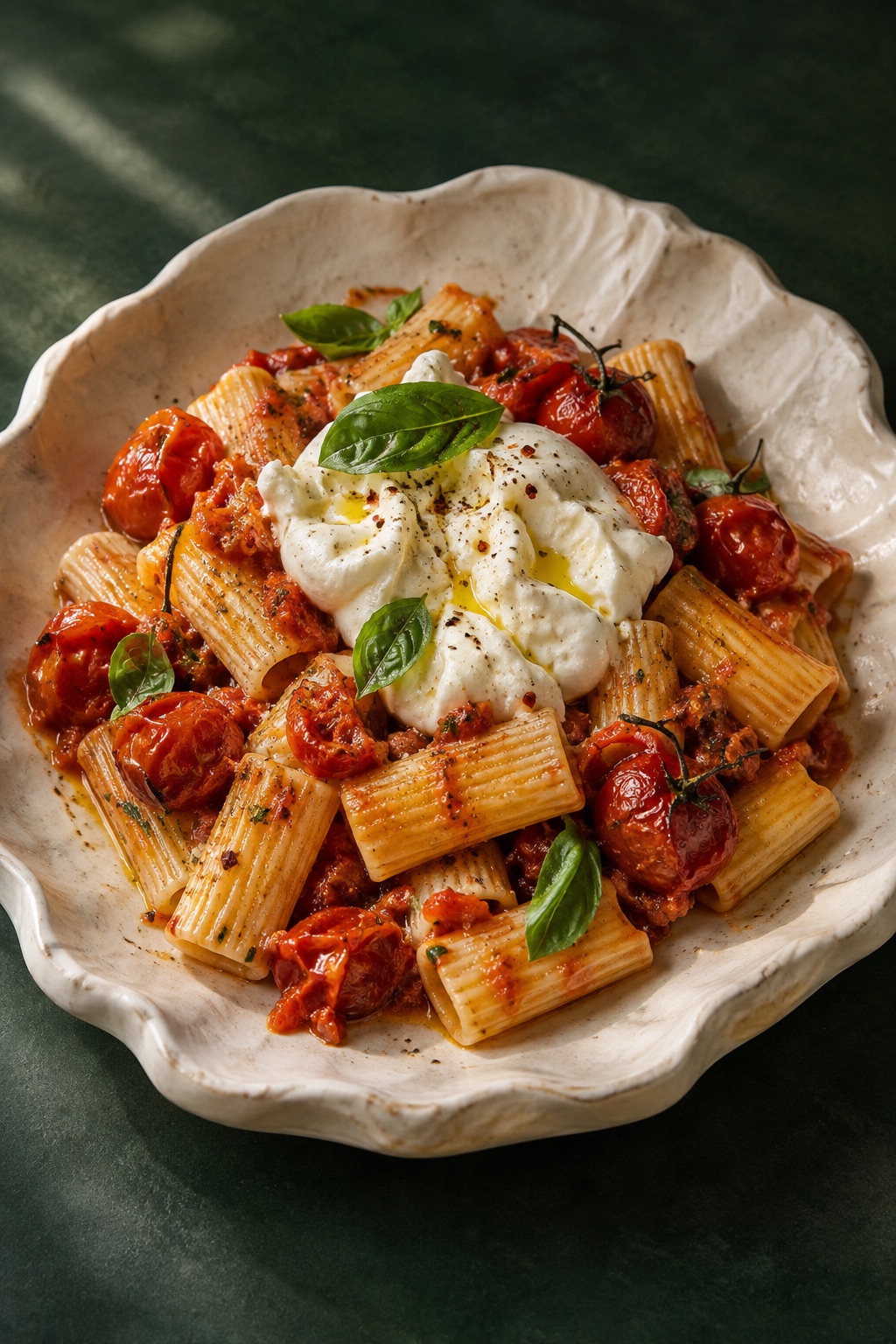
A daily menu for lunch or dinner
Try this example ↗Put products and offers on display
Try this example ↗Show your programme, times and locations
Try this example ↗