TV HorstTV Horst
TemplatesFeaturesPricingFAQ
EN
  • Deutsch
  • English
Get started
← All Display templates

Keep your team in the picture.

Give team updates, meeting times and welcome messages a place outside the inbox. Try an employee noticeboard for reception, the office or a shared break room.

Edit this template↓
01

Choose your starting point

02

Make it your own

Update / meetingTime / detail
Your live previewFull HD · 16:9

Edit an item to see your changes. All content is an example. You can replace example photos with your own images in the editor after signing up.

From your design to your screen.

Continue with this exact design. After signing in, it opens in the editor so you can finish it, save it and add it to your screen.

Start free with my display ↗

1 month free · up to 2 screens · no credit card

When you continue, your design stays in this browser for up to 24 hours for the handover. Expired drafts are removed on your next visit. It is only added to your account when you save it in the editor.

A shared screen for the working day

The office template arranges four short updates in a clear grid. Each entry pairs a time or keyword with a message. Use it for a daily schedule, visitor information or team news, and assign different playlists to different screens after signing up.

01

Choose updates that matter here

Show information relevant to the people who pass this screen. Keep headings short and put the main message first.
02

Match the content to the location

Visitors may see a reception display. Use general information there and put internal notices on a screen in an appropriate staff area.

03

Give someone ownership

Agree who maintains notices and removes old messages. The example uses manually entered text rather than an automatic calendar feed.

From your design to your screen

  1. Create it hereChange text, times, prices and colours. See the result in your live preview.
  2. Download or continue editingDownload a PNG without an account, or use the start button to take your draft into the editor after signing in.
  3. Save and connectSave your draft, pair a screen and assign the content to a playlist.Setup guide

Questions about this template

Is this connected to Microsoft 365 or Google Calendar?

No. This example displays manually entered information. The meetings shown are sample content, not a live calendar.

Can different offices show different information?

Yes. Manage screens separately and assign different playlists in TV Horst. Available organisation and role features depend on your plan.

Can I edit the information boxes?

Yes. Each of the four entries has editable text and a time or short detail. Changes appear in the preview immediately.

Create my displayRead the setup guide →

Explore more examples

Example image for Hotel & reception

Hotel & reception

Welcome guests and share useful information

Try this example ↗
Barber & salon

Barber & salon

A price list for cuts, beards and styling

Try this example ↗
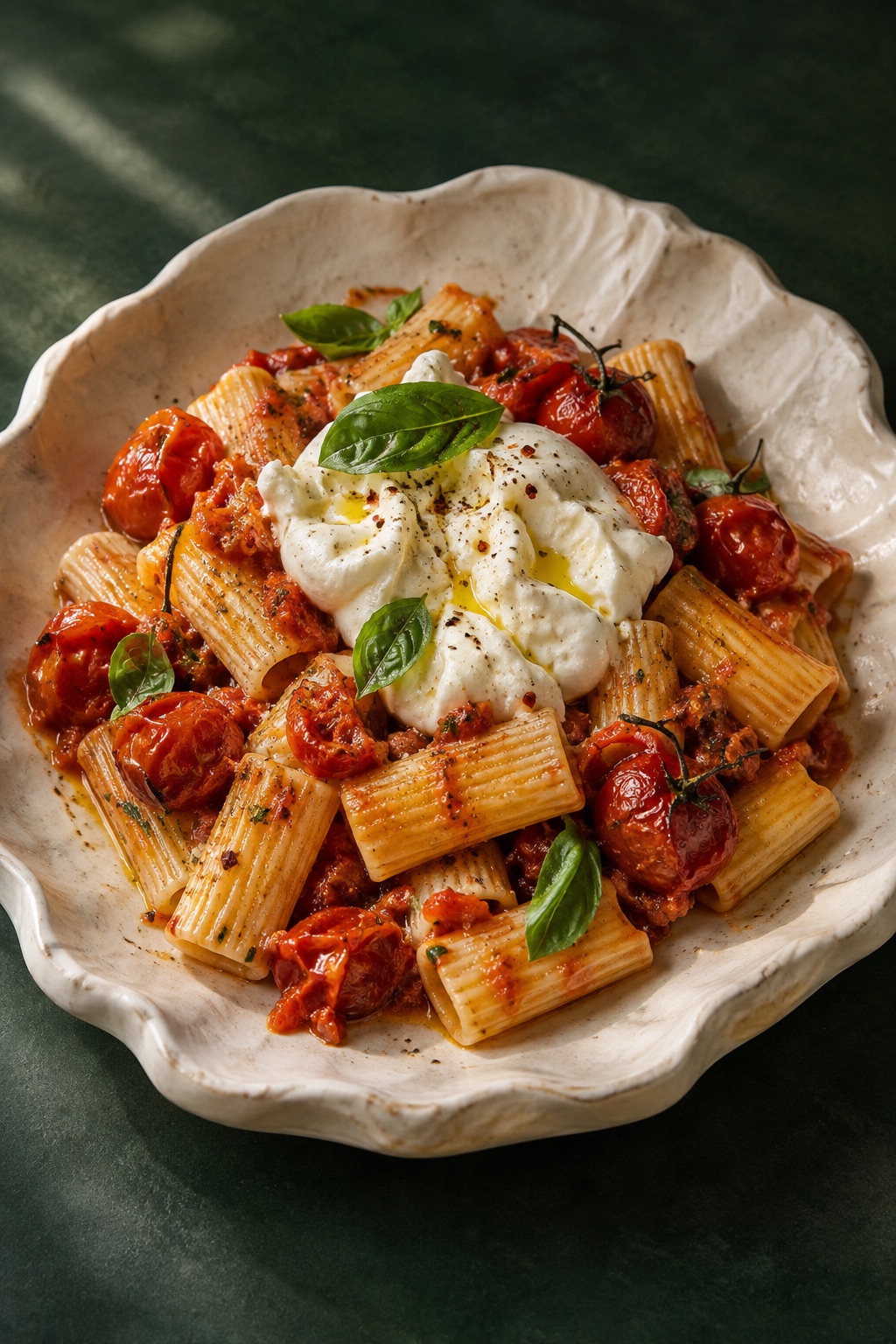
Example image for Restaurant & bistro

Restaurant & bistro

A daily menu for lunch or dinner

Try this example ↗
Retail & shop window

Retail & shop window

Put products and offers on display

Try this example ↗
Events & venues

Events & venues

Show your programme, times and locations

Try this example ↗

Example image for Café & coffee

Café & coffee

Drinks for cafés, bars and coffee breaks

Try this example ↗
TV HorstTV Horst

Digital signage for any screen with a browser.

Product

FeaturesPricingFAQHelpTry a displayDisplay templatesLog in

Use cases

Hotel digital signageSalon & barber digital signageOffice digital signageRestaurant menu boardsCafé menu boardsTakeaway menu boardsRetail digital signageEvent digital signage

Legal

Legal noticePrivacyTerms

© 2026 TV Horst, a product of aplis AG.