TV HorstTV Horst
TemplatesFeaturesPricingFAQ
EN
  • Deutsch
  • English
Get started
← All Display templates

Your salon services. Clear prices. Your style.

Show haircuts, beard trims and service packages on a screen at reception or in the waiting area. Start with this black-and-white price list and make it fit your salon.

Edit this template↓
01

Choose your starting point

02

Make it your own

ServicePrice
Your live previewFull HD · 16:9

Edit an item to see your changes. All content is an example. You can replace example photos with your own images in the editor after signing up.

From your design to your screen.

Continue with this exact design. After signing in, it opens in the editor so you can finish it, save it and add it to your screen.

Start free with my display ↗

1 month free · up to 2 screens · no credit card

When you continue, your design stays in this browser for up to 24 hours for the handover. Expired drafts are removed on your next visit. It is only added to your account when you save it in the editor.

A digital price list clients can read

Separate your main message from four service and price rows. Change the service names and colours in the demo, then check the preview from the distance your clients will see it. Example prices are editable; change the currency label to match your business.

01

Make each service clear

Distinguish a haircut from a cut-and-beard package. Add a short qualifier when a price depends on the length or type of appointment.


02

Test from the waiting area

Check the text size on the actual screen. Split a long service list across several slides rather than reducing everything to small print.

03

Combine prices with your own work

After signing up, combine your saved price list with photos, videos or seasonal offers in a playlist.

From your design to your screen

  1. Create it hereChange text, times, prices and colours. See the result in your live preview.
  2. Download or continue editingDownload a PNG without an account, or use the start button to take your draft into the editor after signing in.
  3. Save and connectSave your draft, pair a screen and assign the content to a playlist.Setup guide

Questions about this template

Can I try the salon price list without signing up?

Yes. Editing and PNG download work without an account. Saving and publishing through TV Horst require an account.

Can I use my own prices and currency?

Yes. Prices are editable text and the currency is part of the subtitle. This does not change your TV Horst subscription billing currency.

Can I show my own haircut photos?

Yes. Add your own media to a playlist in TV Horst. This particular demo is a graphic price list without a photo field.

Create my displayRead the setup guide →

Explore more examples

Example image for Hotel & reception

Hotel & reception

Welcome guests and share useful information

Try this example ↗
Office & team

Office & team

Share updates and the day's schedule

Try this example ↗
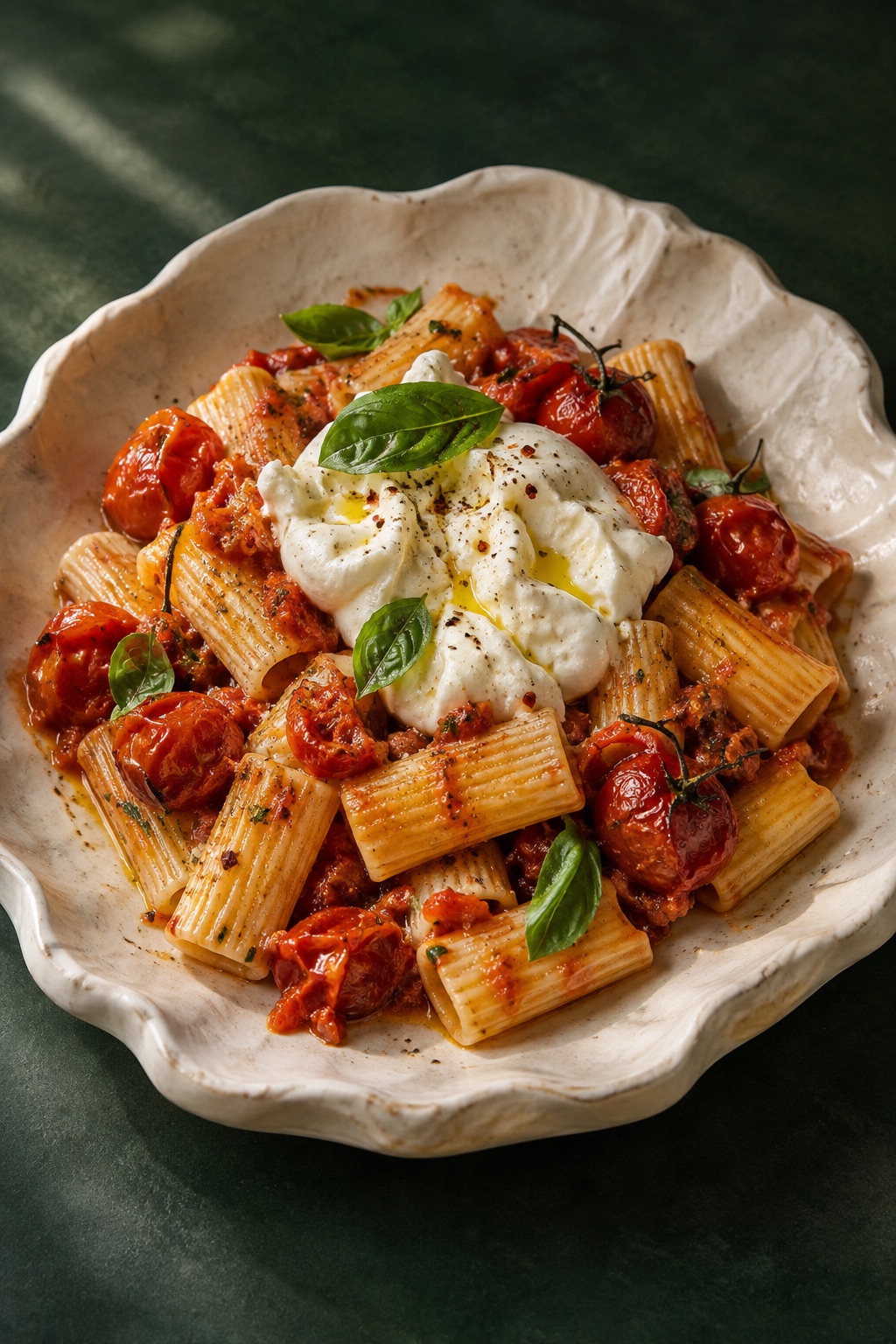
Example image for Restaurant & bistro

Restaurant & bistro

A daily menu for lunch or dinner

Try this example ↗
Retail & shop window

Retail & shop window

Put products and offers on display

Try this example ↗
Events & venues

Events & venues

Show your programme, times and locations

Try this example ↗

Example image for Café & coffee

Café & coffee

Drinks for cafés, bars and coffee breaks

Try this example ↗
TV HorstTV Horst

Digital signage for any screen with a browser.

Product

FeaturesPricingFAQHelpTry a displayDisplay templatesLog in

Use cases

Hotel digital signageSalon & barber digital signageOffice digital signageRestaurant menu boardsCafé menu boardsTakeaway menu boardsRetail digital signageEvent digital signage

Legal

Legal noticePrivacyTerms

© 2026 TV Horst, a product of aplis AG.