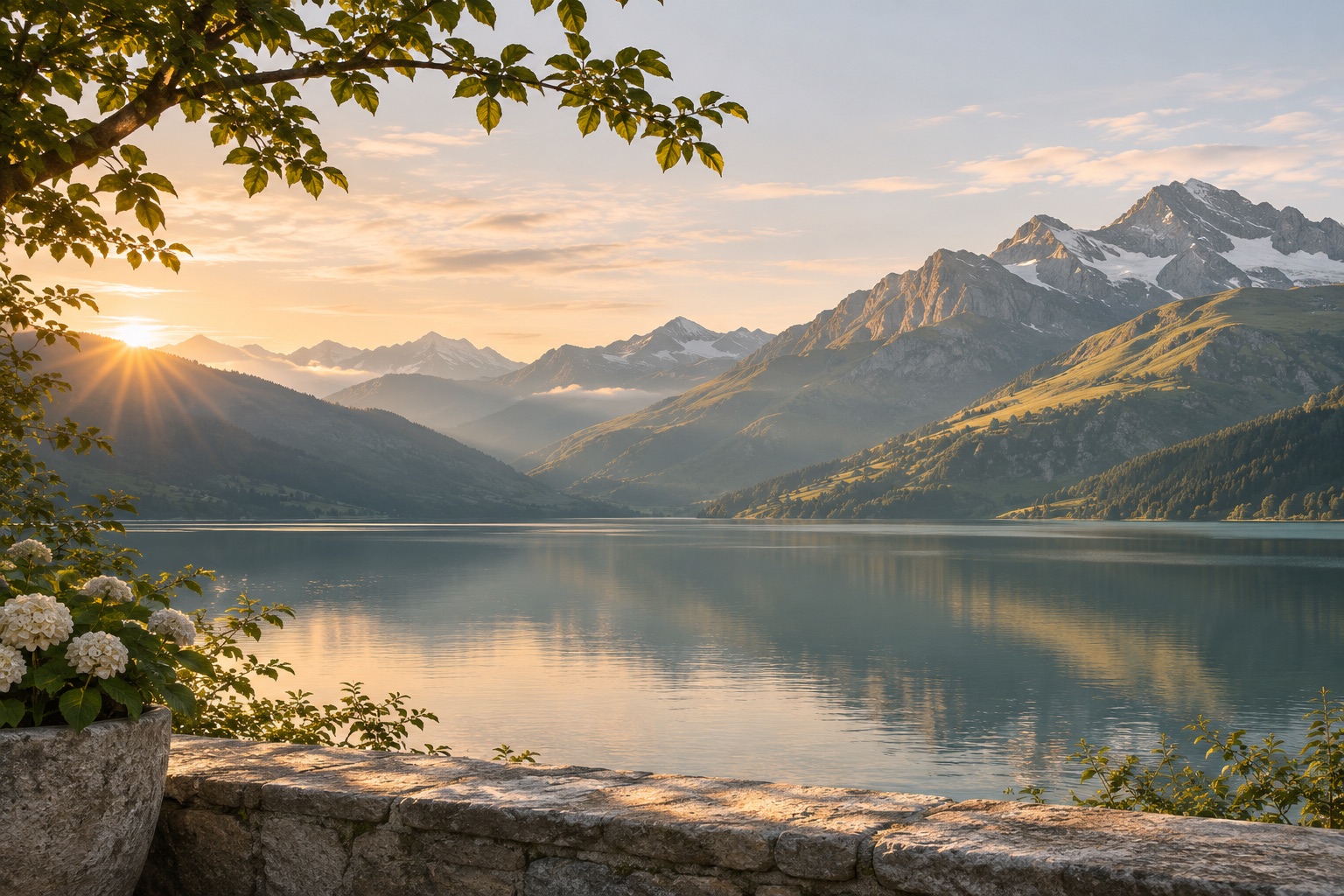
Show times consistently
Use one time format across the programme. Keep enough space for a short session title rather than a full description.

Put arrival times, talks and meeting points on a programme screen in the foyer. Edit this timeline for a conference, reception or evening event.
Edit this template↓Edit an item to see your changes. All content is an example. You can replace example photos with your own images in the editor after signing up.
Continue with this exact design. After signing in, it opens in the editor so you can finish it, save it and add it to your screen.
Start free with my display ↗1 month free · up to 2 screens · no credit card
When you continue, your design stays in this browser for up to 24 hours for the handover. Expired drafts are removed on your next visit. It is only added to your account when you save it in the editor.
The event design presents four programme items in time order. Use short session names and add the venue or meeting point where it helps. The example is manually edited and does not sync with an event booking platform.
Use one time format across the programme. Keep enough space for a short session title rather than a full description.

Add a room name to the session text when guests need to move between locations. Put screens where people make those decisions.
Choose someone to update the playlist if timings change. Check the actual screens before guests arrive.
The demo has four entries. Create additional slides in the editor after signing up and combine them in a playlist.
No. This template shows manually entered content. It does not import bookings or automatically update session times.
Yes. Pair each screen and assign suitable playlists. For example, show a welcome screen at reception and the programme in the foyer.

Welcome guests and share useful information
Try this example ↗A price list for cuts, beards and styling
Try this example ↗Share updates and the day's schedule
Try this example ↗
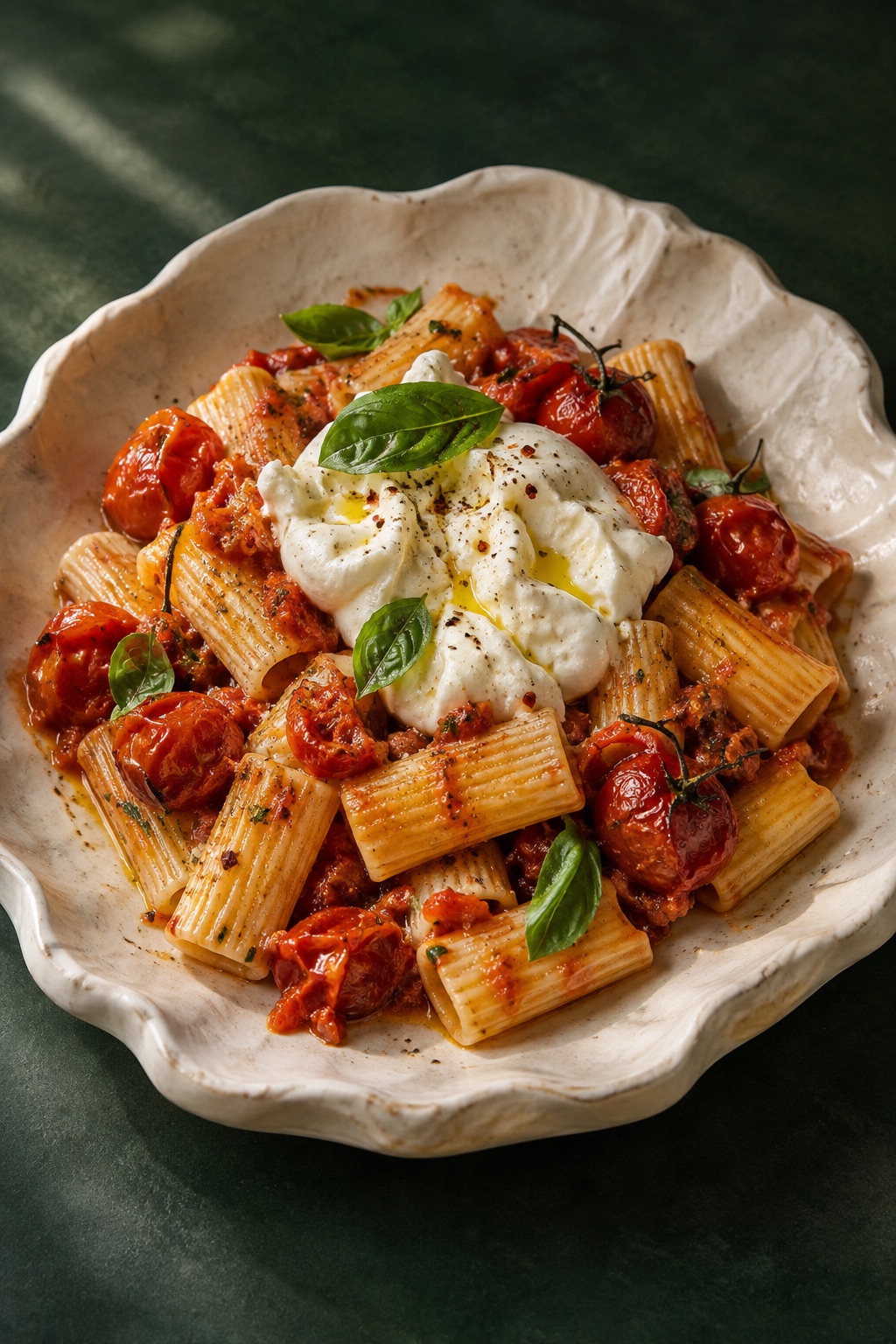
A daily menu for lunch or dinner
Try this example ↗Put products and offers on display
Try this example ↗
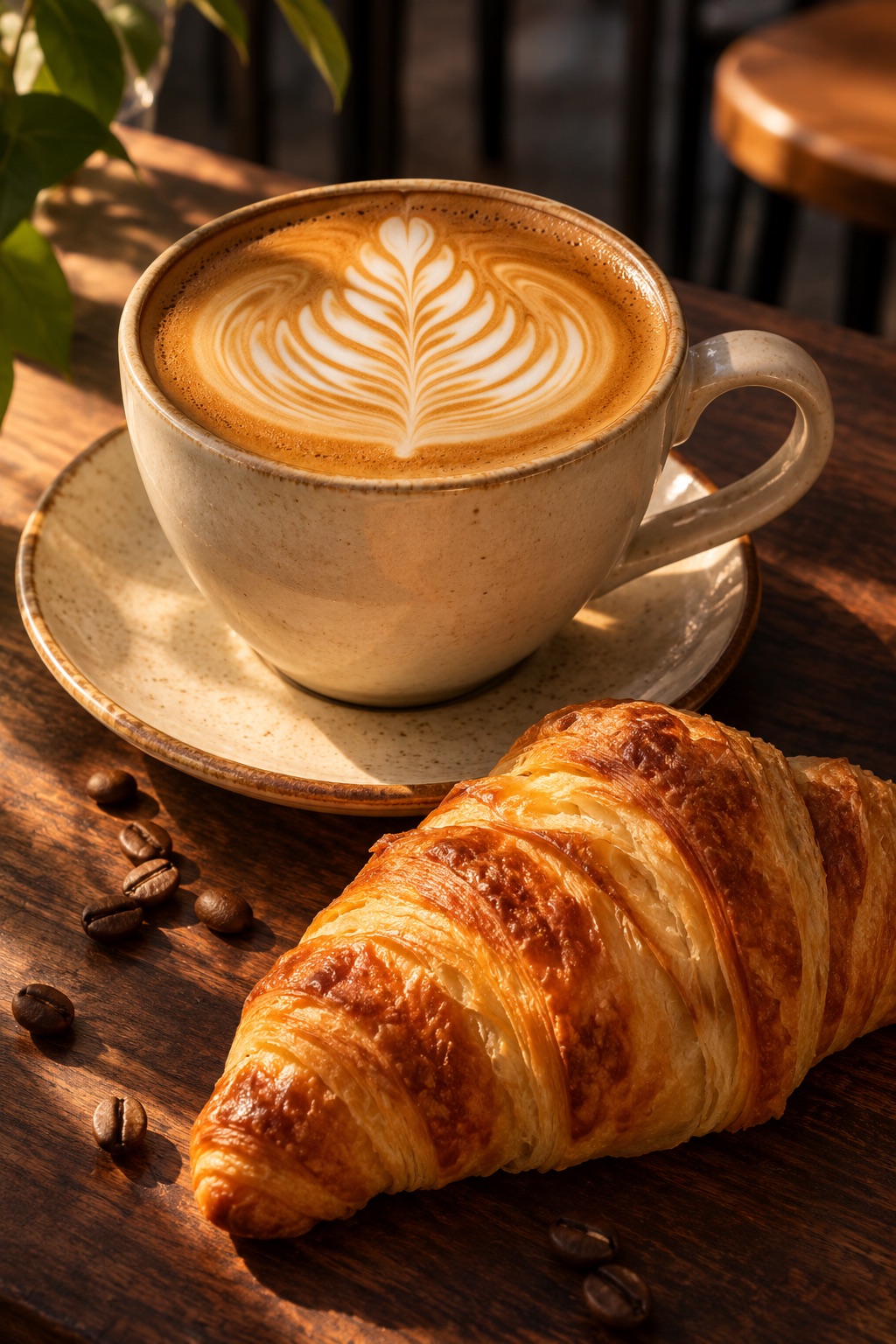
Drinks for cafés, bars and coffee breaks
Try this example ↗